Whether your preference is online, in-person, custom training, or self-paced online training, we want you to get the most out of your learning experience, and give you the flexibility you need for your ongoing professional development. The choice is yours.
Check out our training options.
Explore Microsol Resources’ training suite of software applications with our Autodesk Certified Instructors and expert-taught courses from Autodesk Revit to AutoCAD, Autodesk Construction Cloud (BIM 360), and more.
We also offer Rhino, V-Ray, and other software applications to increase your on-the-job productivity, and accelerate your professional development.
Optimize your company-wide training with Microsol Resources and bridge the skills and knowledge gaps of team members, and close the skills gap for new-hire training. We offer an environment for tailored learning on software like Revit and AutoCAD with the ability to create custom workflows, project-based training, and in-house standards.
Need help with what works best for your training needs?
Learn design software, 3D animation, modeling, and visual effects from comprehensive courses or bite-size lessons.
 In-PersonInstructor-led courses in one of our Training Centers
 Live OnlineExperience instructor-led courses with the convenience of an online course
 On-DemandGain full control of your learning experience with self-paced online instruction through Pinnacle Series
 Custom DesignA unique class, incorporating your models, data sets, processes and workflows or have it taught onsite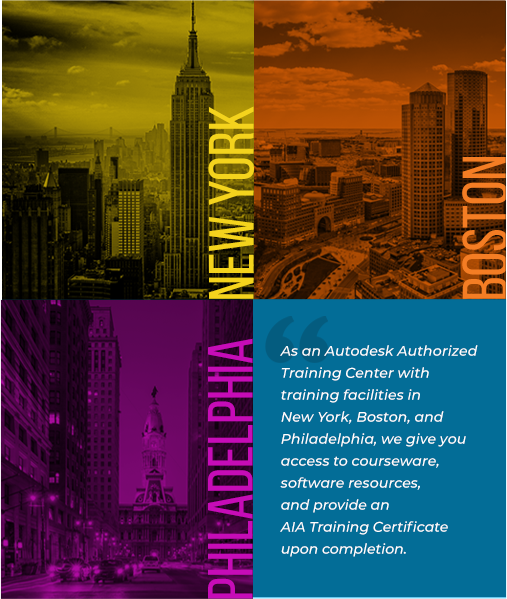
Filter by Software Course
This 24 hour course introduces you to the fundamentals of 3ds Max covering several topics that are essential for enhancing the process no matter what… Read More

This 24 hour course covers the more advanced aspects of AutoCAD covering topics on annotation, fields, tables, dynamic blocks, sheet sets, as well as interface… Read More
This 24 hour course introduces you to the fundamentals of AutoCAD Architecture covering several topics that are essential to drafting and design workflow
This course covers the basic aspects of AutoCAD. It is intended for new users of the software, and is geared towards the AEC industry
This 24 hour course provides a comprehensive introduction to the methods, philosophy, and procedures of AutoCAD MEP, an advanced engineering design and documentation software covering… Read More
This 8 hour course provides a comprehensive introduction to the changes and updates in the latest version of AutoCAD, allowing attendees to get up-to-speed with… Read More
This course will teach you how to take the fundamentals of creating and contributing to an online project in the Autodesk Build platform.
This course will teach you how to take the fundamentals of creating and contributing to an online project in the Autodesk Docs platform.
This course will teach you how to take the fundamentals of creating and contributing to an online project in the Autodesk Docs platform, focusing on… Read More
This course will teach you how to take the fundamentals of creating and contributing to an online project in the Autodesk Docs platform, focusing on… Read More
This course will instruct you on the essentials of Civil 3D and covers a number of topics that relate to the civil engineering discipline.
This course will instruct you on the essentials of Infraworks 3D with a focus on model creation and the integration of land development, master planning,… Read More
Creating a single project database in a fully integrated project model using bi-directional associativity to ensure all data, graphics, details, schedules, drawings, and sheets are… Read More
This course will instruct you on the essentials of Navisworks Manage and how to use this application as a tool for aggregation, visualization, simulation and… Read More
Microsol Resources offers on-demand training through Pinnacle Series, which is the perfect extension to our Autodesk Certified Instructor-led training classes.
This 16 hour course will teach you how to take the fundamentals of Revit Architecture to the next step by incorporating advanced features into your… Read More
During this sixteen hour class we’ll explore the family editor within Revit MEP. Discover how to use families in a project, concepts of parametric design… Read More
Creating a single project database in a fully integrated project model using bi-directional associativity to ensure all data, graphics, details, schedules, drawings, and sheets are… Read More
This class will demonstrates typical Interiors workflows in Revit. Understand how to work effectively with your project team to create an Interiors Revit project, using… Read More
This course introduces the student to the essentials of Revit, focusing on the needs of a landscape designer. We will create a fully integrated, bi-directional… Read More
This course introduces you to the essentials of Autodesk Revit MEP. Throughout the course, you will learn how to apply your HVAC, plumbing, and electrical… Read More
This 8 hour class introduces project managers to Revit Architecture, MEP or Structure, according to the needs of each firm. We’ll focus on the methodology of… Read More
This course introduces you to the essentials of Revit Structure. Create a fully integrated, bidirectional Structural model using a single project database. Develop views and… Read More
During this 8 hour class we will explore Revit’s features and capabilities, and discuss what decision-makers should consider before and during implementation.
This 8 hour course provides a comprehensive introduction to the changes and updates in the latest version of Revit, allowing attendees to get up-to-speed with… Read More

This Advanced Bluebeam Revu Techniques for AEC Professionals class provides architects, engineers, and owners with the tools and workflows they need to exploit Bluebeam Revu’s… Read More
This course introduces you to the essentials of creating and editing accurate free-form models and 3D NURBS using Rhino software
This workshop introduces you to the general functionality available with Rhino.Inside.Revit and important considerations when working with complex geometry. Pre-written Grasshopper definitions will be reviewed… Read More
This course introduces you how to produce 3-D models using NURBS geometry and arrange models for export, annotation and plotting.
This course will teach you how to produce beautiful renderings with the built-in Rhino Renderer, as well as taking advantage of the real-time rendering with… Read More
This course explores advanced techniques in modeling to help participants better understand Rhino’s modeling tools, advanced surfacing commands, curves, and surface topology and how to… Read More
This course introduces you to the essentials of V-Ray for 3DS Max covering several topics that are indispensable for enhancing architectural design.
This course introduces you to the essentials of V-Ray for Revit covering several topics that are indispensable for enhancing architectural design.
This course introduces you to the essentials of V-Ray for Rhino covering several topics that are indispensable for enhancing architectural design.
This course introduces you to the essentials of V-Ray for SKETCHUP covering several topics that are indispensable for enhancing architectural design.
In this four hour course, we will walk you through the overview and general settings of Enscape, and share resources, tips, tricks, and best practices… Read More
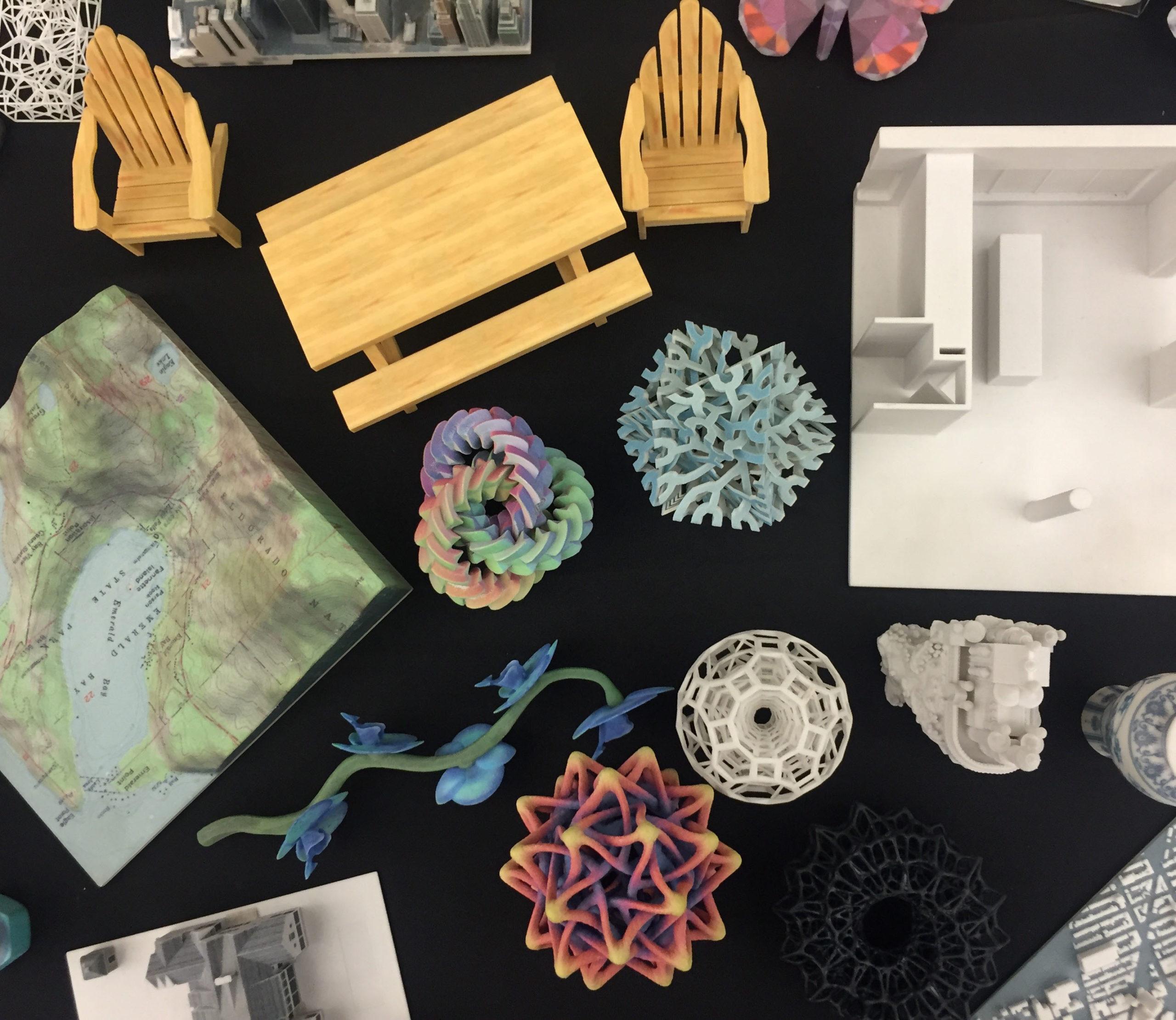
Learning how to create 3D printable geometry in various applications; AutoCAD, Revit, Rhino, 3D Studio Max. Prepare your design for 3D printing and check for… Read More






Microsol Resources is also a Registered Passport Provider with the American Institute of Architects/Continuing Education Systems (AIA/CES). Certificates of Completion will be provided and AIA credits will be applied for those who are members of the AIA.
Our status as a provider of continuing education demonstrates a system-wide, top-down commitment to quality professional continuing education and administration.

“We’ve been doing business (with Microsol Resources) for almost 18 years… They have a very good idea of what we do and why we do it. It gave me a really good comfort level… When we embarked on our Revit, we brought in Microsol Resources. The technical support is outstanding.”
George Podolak
Director of IT
Pei Cobb Freed & Partners Architects
Tech Resources This is your source for information on our various software offerings, insider tips and tricks, and industry trends that can help you get most from your Autodesk, Bluebeam, Rhino, V-Ray, Enscape, and other technology solutions.
Learn MoreTechnical Support Microsol Resources already offers free technical support to help you on the occasions when your software produces unexpected results, crashes, or your project files can’t be accessed or are corrupt, and we can even make hardware recommendations. We also provide Advanced Support as a consulting service.
Learn MoreServices Microsol Resources provide industry-leading best practices and capabilities in design and technology consulting services, solution implementation, and custom development.
Learn More

